11. Themes and controller scripts
Restyle the MK3's screens with a theme, and change what any button or page does with DECKARD's controller scripts.
Themes for the MK3’s screens
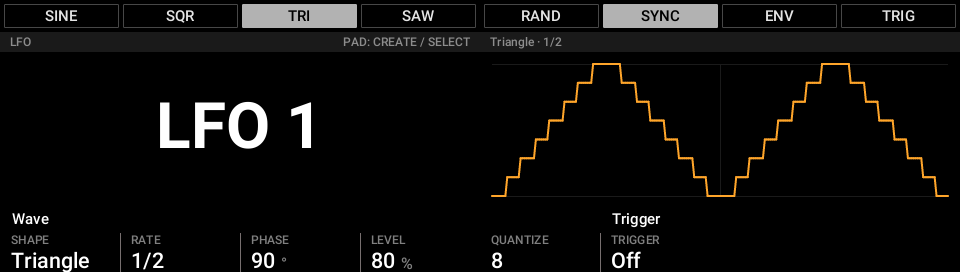
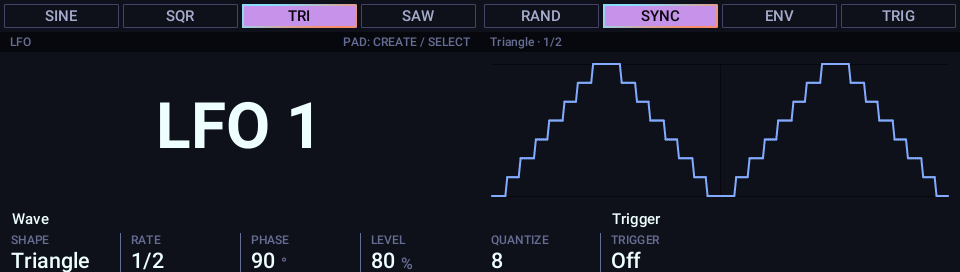
DECKARD draws the MK3’s screens itself, so they can be restyled: colours, fonts and text sizes, plus an optional animated border on the chosen button. Every page uses the theme, so one file changes them all.
Choose one in Preferences ▸ Hardware ▸ Controller theme. DECKARD comes with three:
- Maschine: the look of Maschine’s own screens.
- Palenight: deep blue-grey with lavender text and purple and cyan accents. A new install starts with it.
- Solarized Dark.
Making your own
A theme is one small file that lists only what it changes from another theme. DECKARD reloads it each time you save, so you can tweak it with the MK3 in front of you. THEMING.md in DECKARD’s repository shows how, step by step.
DECKARD’s own window can’t be themed yet.
Controller scripts
Every button, pad, knob, light and screen on the MK3, and the Launchpad Pro’s session
grid, is run by a Lua script that you can replace. Controller ▸ Open Controller
Scripts Folder opens your scripts folder. Its defaults folder holds DECKARD’s own
scripts.
- Copy a script from
defaultsto the same place in your folder. For the Control page, copydefaults/pages/control.luatopages/control.lua. - Edit your copy. DECKARD reloads it when you save.
- To go back to DECKARD’s version, delete your copy.
docs/controller-api.md in DECKARD’s repository describes what a script can do.